
Best Laptops for College Students: Top Picks for Every Budget
The best laptop for college students in 2026 is the MacBook Air M4 for most majors — it offers exceptional battery life, fast M4 chip performance, and a lightweight build. Windows users should choose the ASUS Zenbook 14 OLED. For tight budgets, the Acer Aspire 5 delivers the best value.
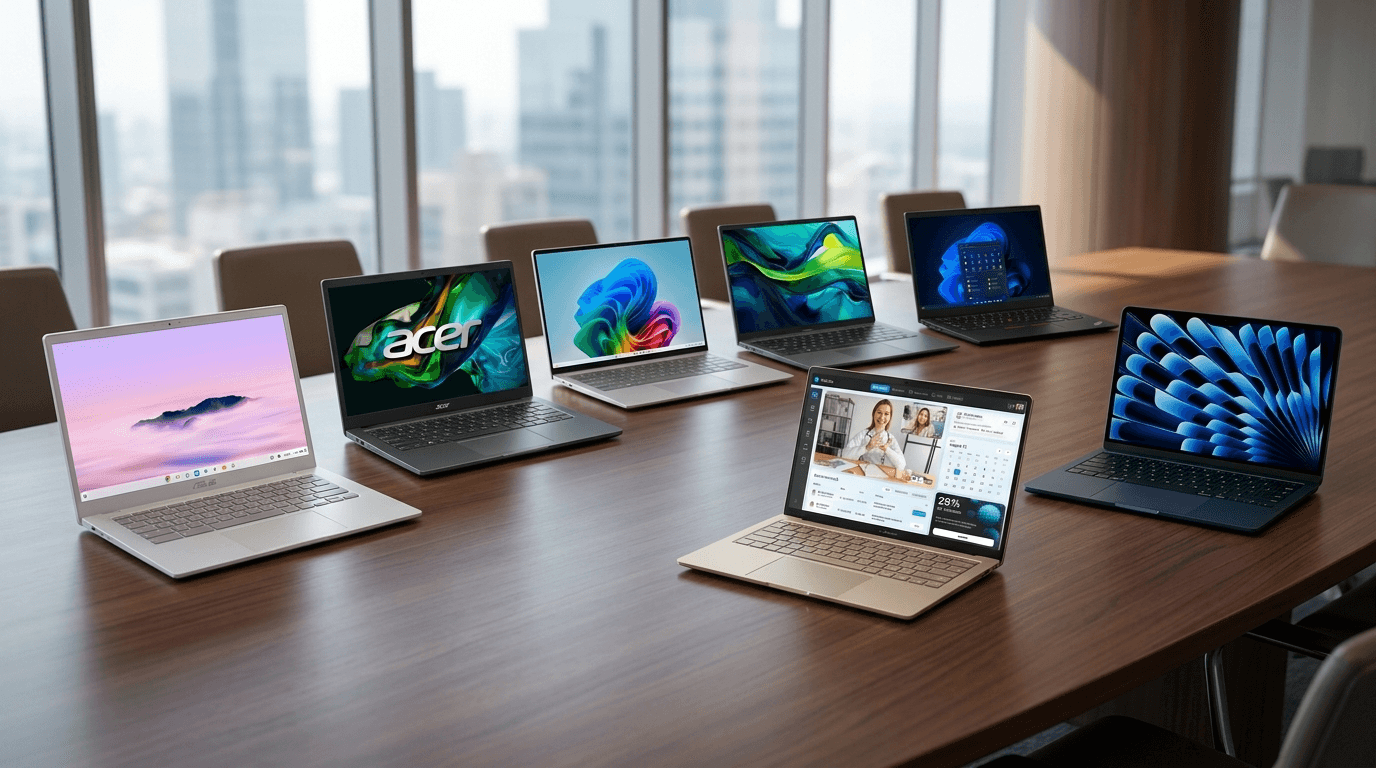
Finding the right laptop for college is one of the most important decisions you'll make before the semester starts. You need something that handles coursework, survives daily commutes in a backpack, lasts through long lecture days on a single charge, and doesn't break the bank. In 2026, the good news is that the laptop market has never been better for students — there are excellent options at every budget level.
Whether you're a general arts student who just needs to write papers and browse the web, an engineering major who runs heavy software, or a creative student working with video and design tools — this guide covers the best laptops for every type of college student in 2026. We've focused on real-world performance, battery life, build quality, and long-term value so you can make a smart decision.
📌 Key Takeaways
- MacBook Air M4 is the best overall laptop for most college students in 2026
- 16GB RAM is the minimum recommended for all college laptops in 2026
- A 14-inch laptop is the sweet spot between screen size and portability
- Battery life should be 10+ hours for a full day without charging
- Engineering and STEM students should prioritize 32GB RAM configurations
- Budget students get best value from Acer Aspire 5 with AMD Ryzen 5
- Chromebooks only make sense if your entire workflow is web-based
Quick Comparison Table
| Laptop | Best For | Display | RAM | Battery Life | Weight |
|---|---|---|---|---|---|
| MacBook Air M4 | Most Students | 13.6" Liquid Retina | 16GB | 18+ hours | 2.7 lbs |
| ASUS Zenbook 14 OLED | All-Around Pick | 14" OLED | 16GB | 30+ hours | 3.1 lbs |
| Lenovo ThinkPad X1 Carbon Gen 13 | Engineering/STEM | 14" IPS | 16GB-32GB | 15+ hours | 2.48 lbs |
| Dell XPS 13 | Portability | 13.4" OLED | 16GB | 12+ hours | 2.73 lbs |
| Acer Swift 16 AI | Budget Performance | 16" IPS | 16GB | 10+ hours | 3.97 lbs |
| Acer Aspire 5 | Tight Budget | 15.6" FHD | 16GB | 8+ hours | 4.08 lbs |
| ASUS Chromebook Plus CX34 | Chromebook Pick | 14" FHD | 8GB | 13+ hours | 3.42 lbs |
1. MacBook Air M4
Best For: Most college students — especially arts, business, and general majors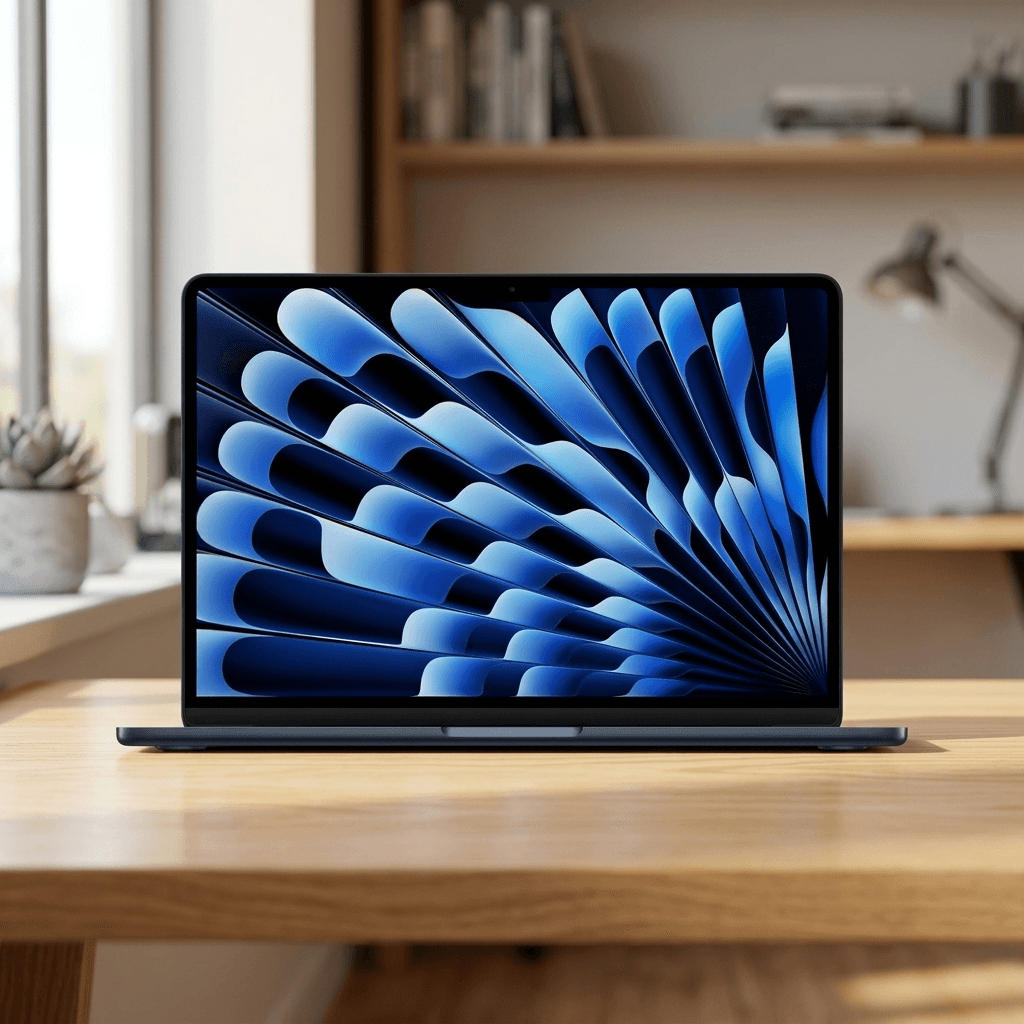
The MacBook Air M4 is the best laptop for most college students in 2026. Apple's M4 chip handles everything from writing essays to light video editing with ease. It features a stunning 13.6-inch Liquid Retina display, a 1080p webcam, and a fanless design — meaning it stays completely silent even under load. The battery easily lasts a full day of classes without needing a charge. At just 2.7 lbs, it disappears into any backpack.
✅ PROS
- Exceptional battery life — 18+ hours real-world
- Incredibly fast M4 chip — handles all student workloads
- Fanless and completely silent in class or library
- Premium build quality — lightweight aluminum body
- Outstanding 1080p webcam for video calls
❌ CONS
- Higher price point than Windows alternatives
- Limited to 2 USB-C ports on base model
- Not ideal for heavy gaming or Windows-exclusive software
2. ASUS Zenbook 14 OLED
Best For: All-around best Windows laptop — suits most majors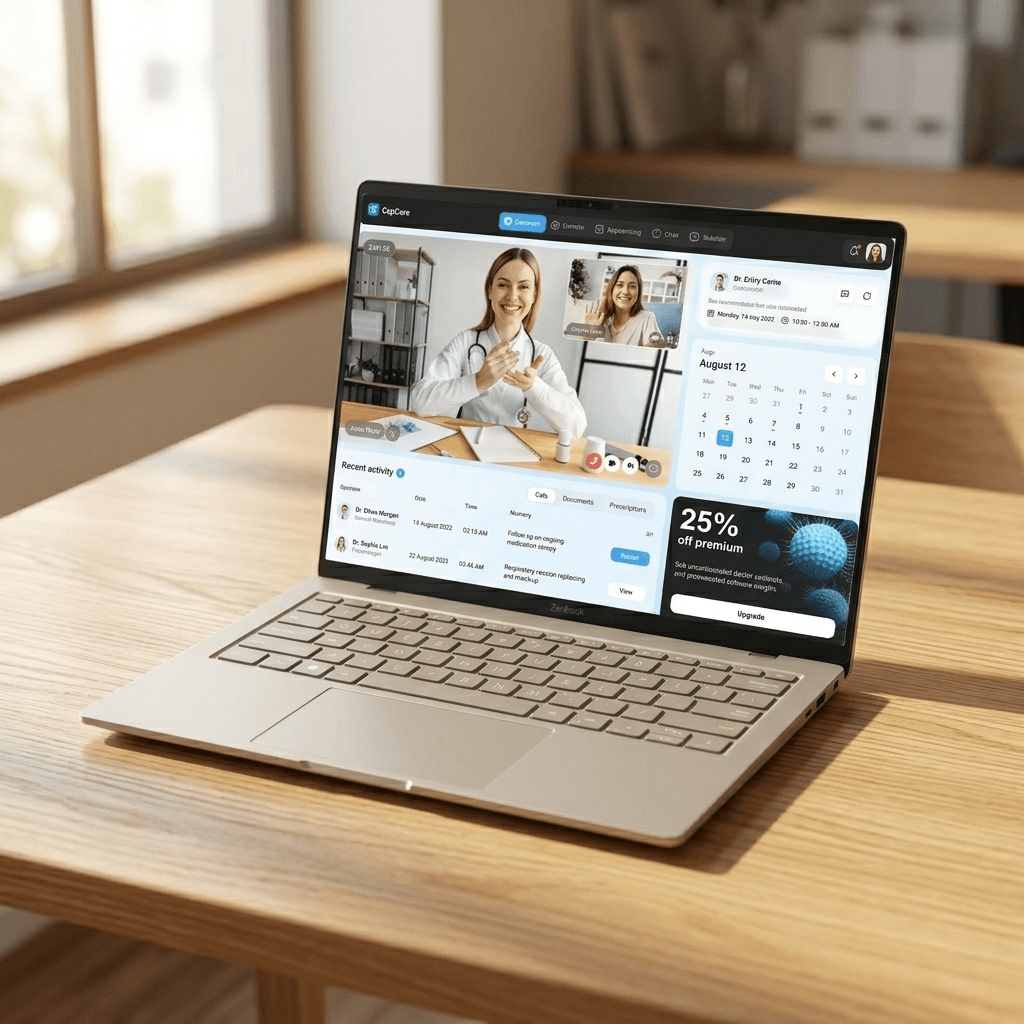
he ASUS Zenbook 14 OLED is the best Windows laptop for most college students in 2026. It packs an Intel Core Ultra 7 processor, 16GB LPDDR5 RAM, and a 1TB NVMe SSD into a chassis under 1.4 kg. The 14-inch OLED display makes reading documents, watching lecture recordings, and design work genuinely enjoyable. With over 12 hours of battery life, it comfortably gets through a full day of classes.
✅ PROS
- Stunning 14-inch OLED display — vibrant and sharp
- Intel Core Ultra 7 — fast for everyday and demanding tasks
- 1TB SSD storage — plenty of space for files and projects
- Lightweight at under 1.4 kg
- 12+ hours battery life
❌ CONS
- OLED display can be slightly dimmer outdoors in bright sunlight
- No dedicated GPU for heavy gaming
3. Lenovo ThinkPad X1 Carbon Gen 13
Best For: Engineering, STEM, computer science, and pre-med students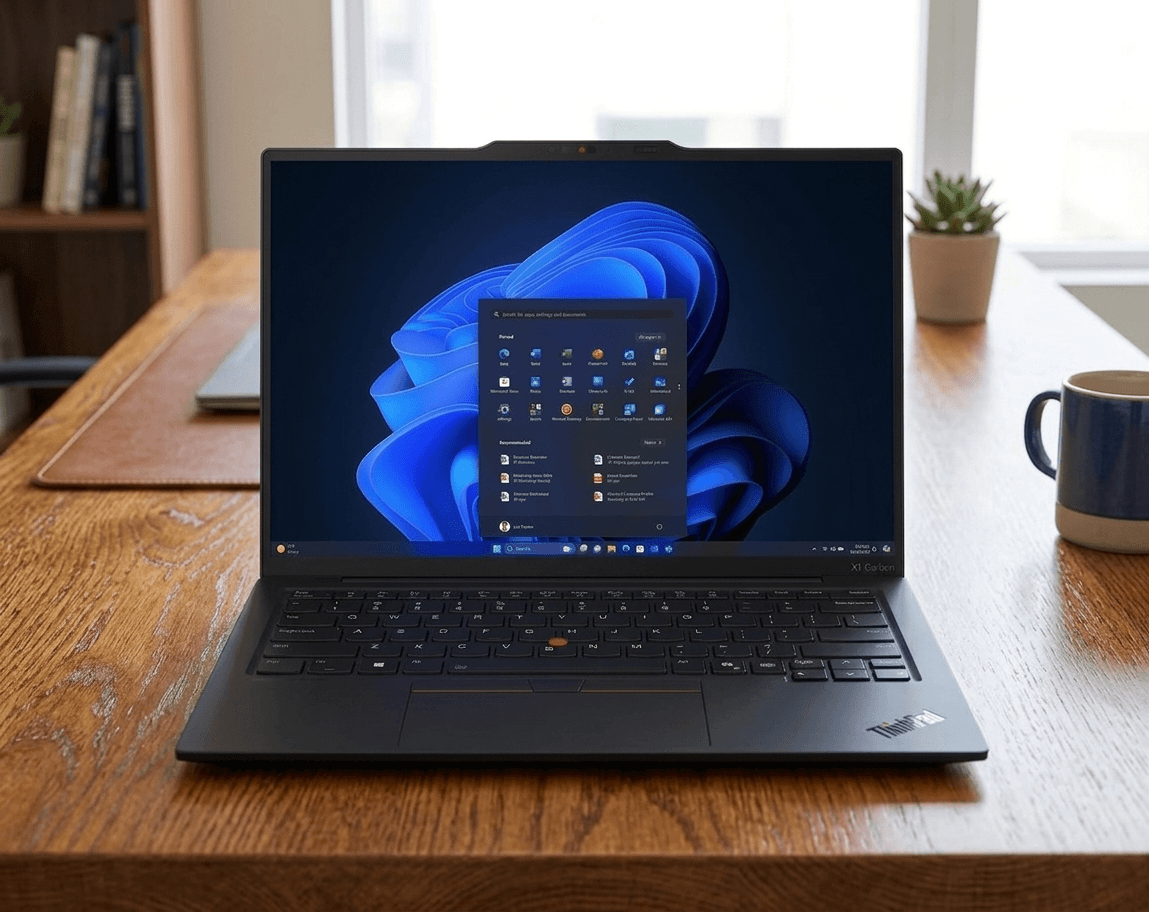
The ThinkPad X1 Carbon Gen 13 is the top choice for engineering, STEM, and computer science students who need a reliable workhorse. It comes with an Intel Core Ultra 7 processor and is available in 16GB or 32GB RAM configurations, making it ideal for running MATLAB, Python environments, CAD software, and virtual machines. The legendary ThinkPad keyboard is one of the best typing experiences on any laptop, and the MIL-SPEC build quality means it can take the punishment of daily campus life.
✅ PROS
- Best-in-class keyboard — ideal for long coding and writing sessions
- MIL-SPEC military-grade durability testing
- Available with 32GB RAM — handles heavy STEM workloads
- Exceptional 15+ hour battery life
- Ultra-lightweight at just 2.48 lbs
❌ CONS
- Premium pricing
- Display not as vivid as OLED alternatives
4. Dell XPS 13
Best For: Students who prioritize portability and premium design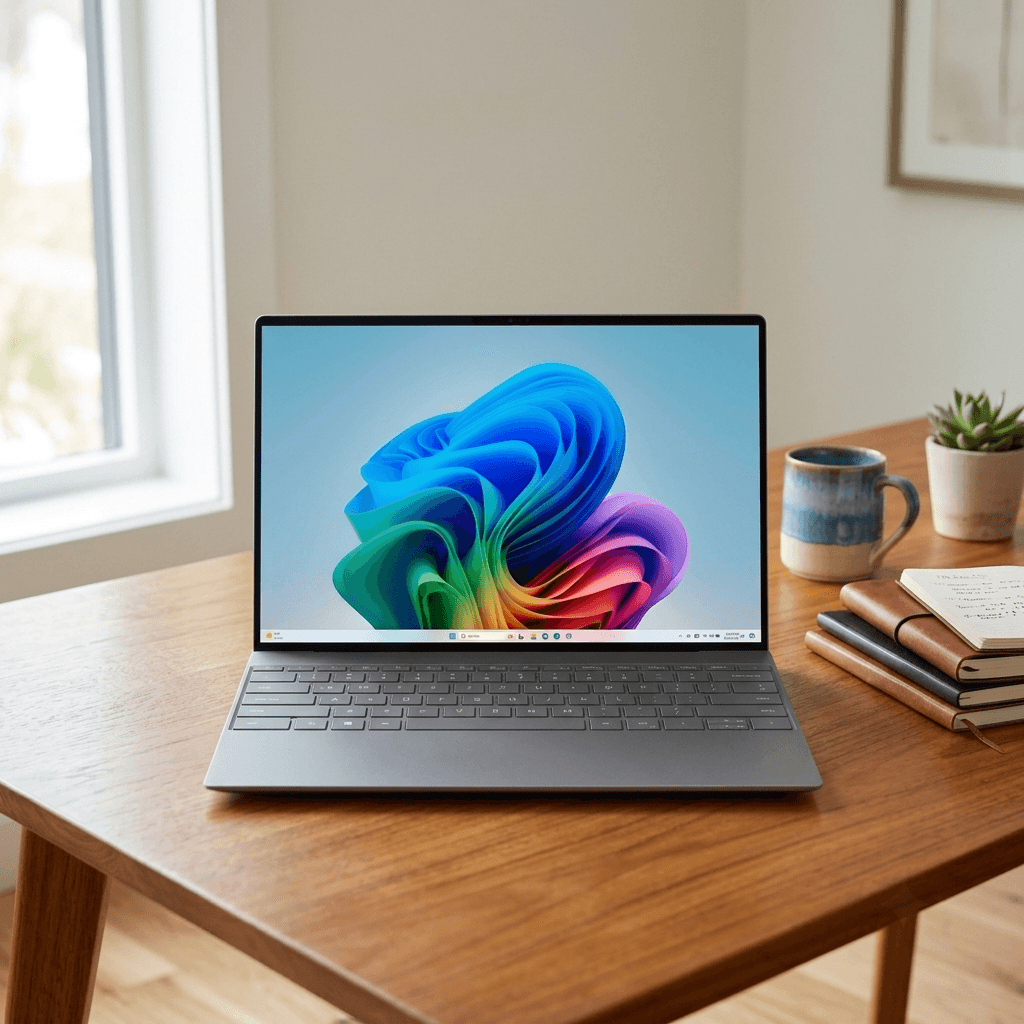
The Dell XPS 13 remains one of the most popular college laptops for students who want a compact, premium Windows machine. It features a gorgeous 13.4-inch OLED display with exceptional color accuracy, an Intel Core Ultra processor, and 16GB of RAM. The compact design makes it one of the most portable Windows laptops available, and the premium aluminum build feels solid and professional.
✅ PROS
- Compact and ultra-portable design
- Gorgeous 13.4" OLED display option
- Premium aluminum build quality
- Strong performance for everyday tasks
- Looks professional in any setting
❌ CONS
- Limited port selection — needs dongles for some setups
- 13.4" screen can feel small for extended multitasking
5. Acer Swift 16 AI
Best For: Students who prefer a larger screen for productivity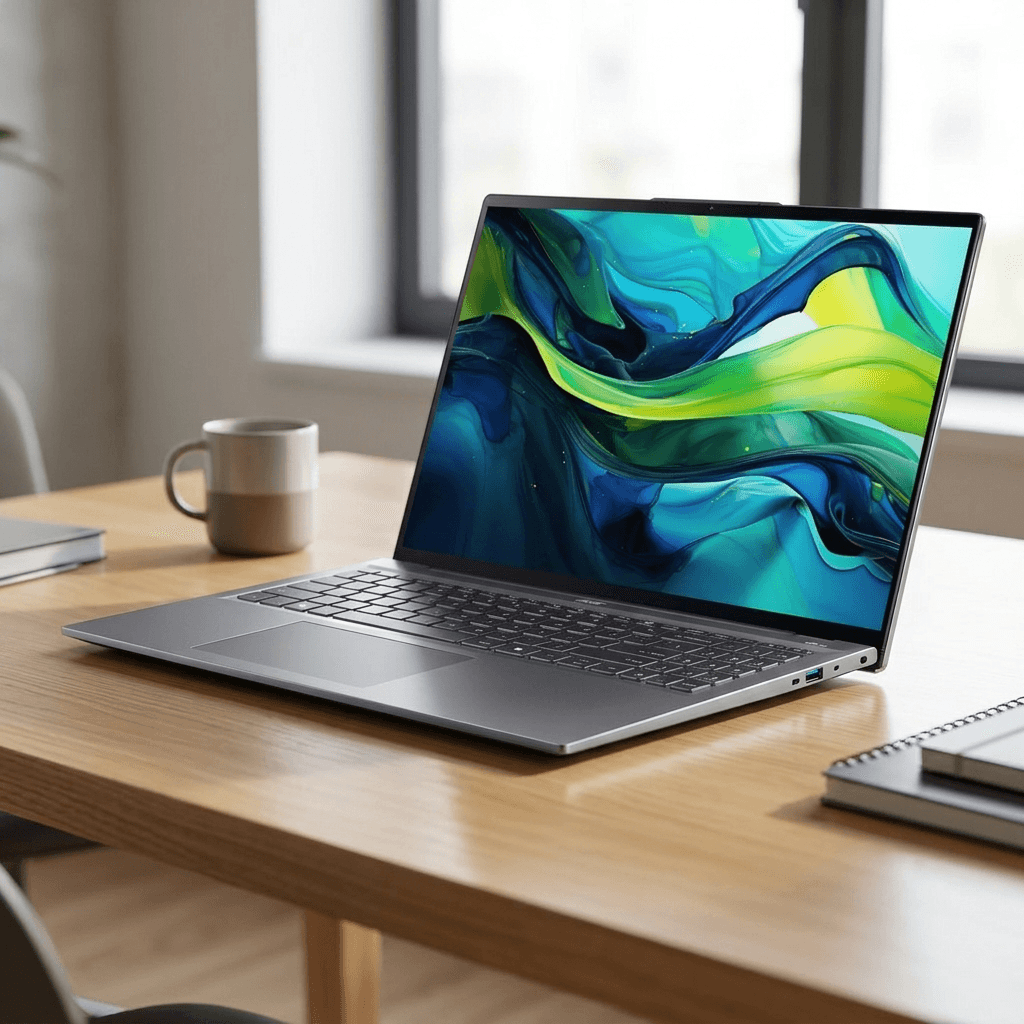
If you want a large-screen laptop that handles everyday college work all day without needing a charger, the Acer Swift 16 AI is a fantastic choice. It features a 16-inch display — great for multitasking between lecture notes and research — along with an Intel Core Ultra processor and 16GB of RAM. PCWorld named it their top laptop pick for students who want solid performance at a competitive price point in 2026.
✅ PROS
- Large 16-inch display — great for multitasking
- Intel Core Ultra AI processor
- Good everyday performance for student workloads
- Competitive price for a 16-inch laptop
- Solid build quality
❌ CONS
- Larger size means less portable than 13-14 inch options
- Battery life shorter than premium ultrabooks
6. Acer Aspire 5
Best For: Budget-conscious students who need a reliable everyday laptop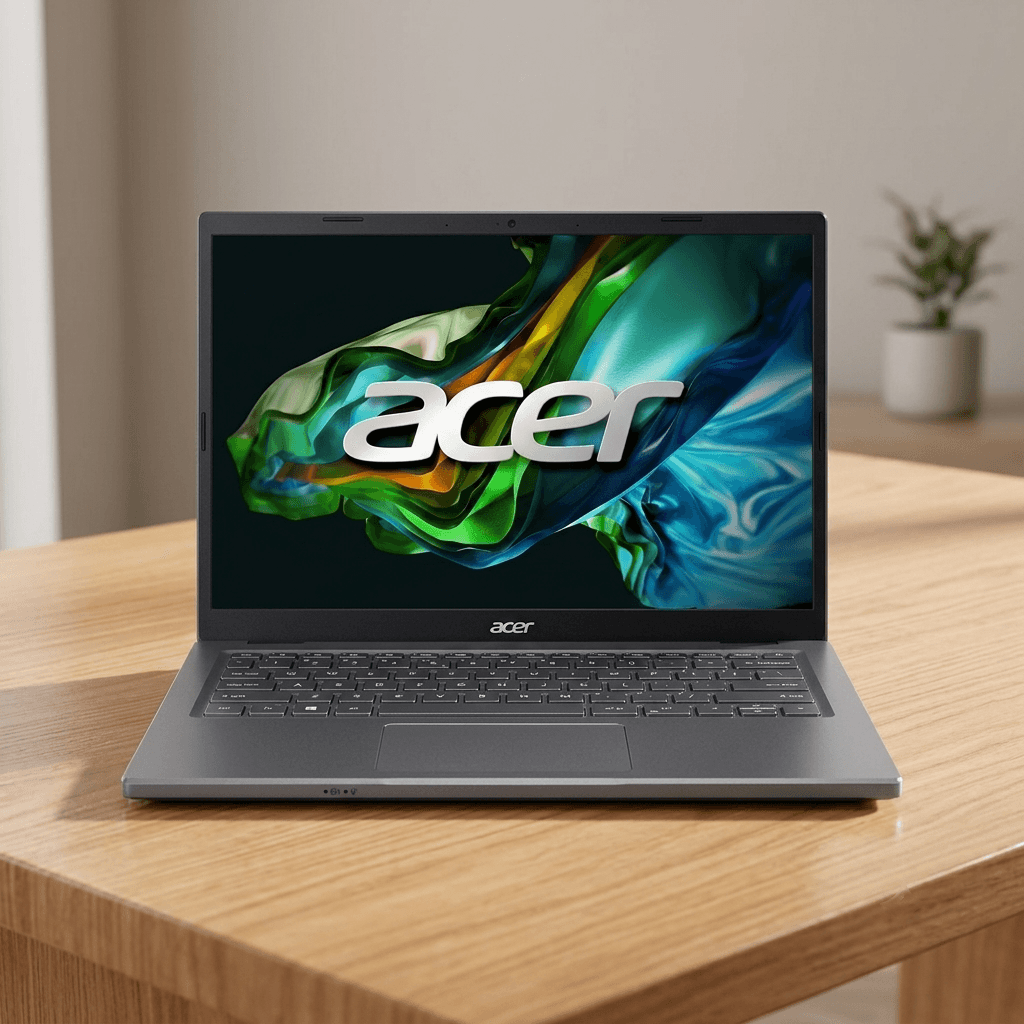
The Acer Aspire 5 is the best budget laptop for college students who need a reliable, capable machine without spending a lot. It runs on an AMD Ryzen 5 processor with 16GB of RAM and a 512GB or 1TB NVMe SSD — more than enough for papers, research, web browsing, video calls, and basic coding. It won't win any awards for design or display quality, but it delivers genuine laptop performance for everyday student use at an affordable price.
✅ PROS
- Best value — delivers real performance at low cost
- AMD Ryzen 5 — handles everyday student tasks well
- 16GB RAM — comfortable for multitasking
- 512GB or 1TB SSD storage
- Upgradeable RAM and storage
❌ CONS
- Display quality not as good as premium options
- Plastic build — less premium feel
- Battery life shorter than more expensive alternatives
- Heavier design
7. ASUS Chromebook Plus CX34
Best For: Students whose workflow is entirely web-based and Google Workspace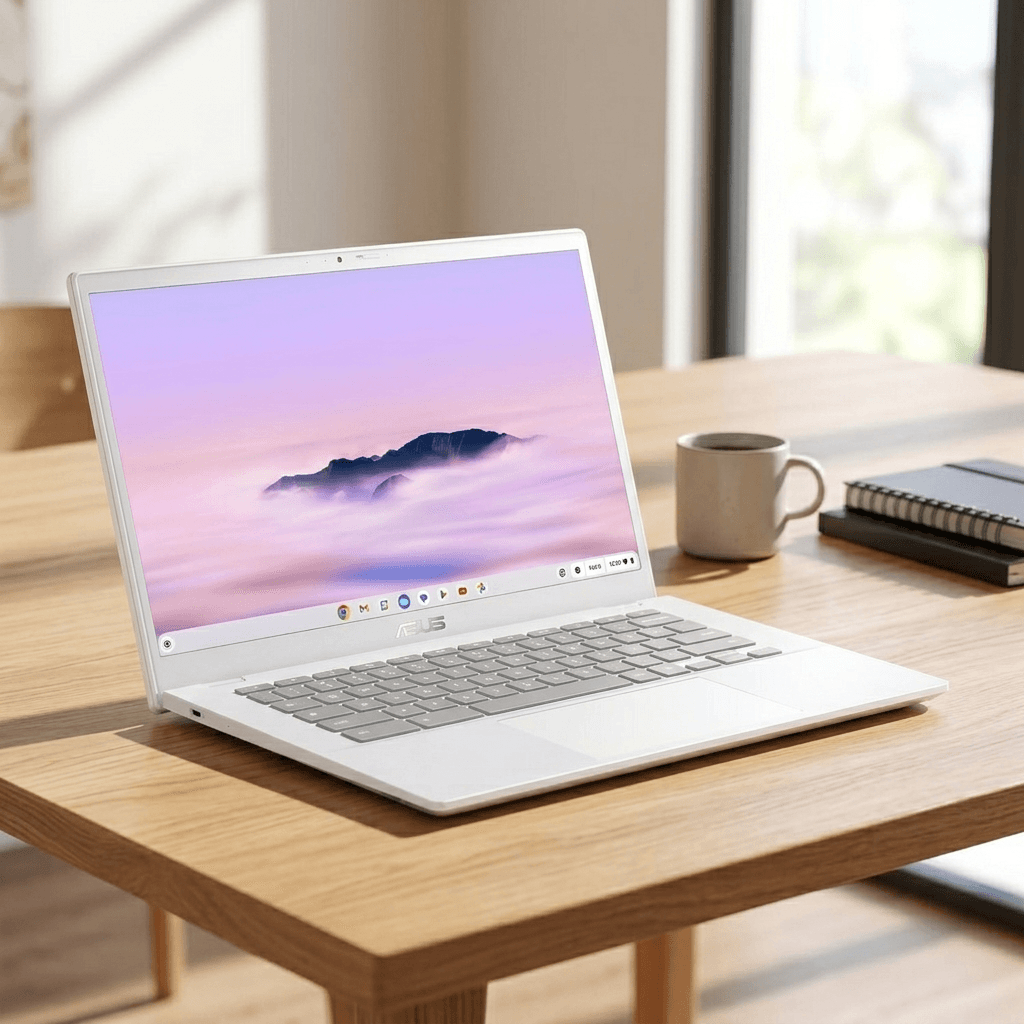
The ASUS Chromebook Plus CX34 is the best Chromebook for college students in 2026. It runs ChromeOS efficiently and handles the daily workload of most students — Zoom calls, Google Docs, YouTube, Spotify, and multitasking with multiple browser tabs. The 14-inch 1080p display looks sharp and clear, the webcam quality is excellent for video calls, and the clean modern design doesn't look like a budget machine. Battery life of around 13 hours gets through a full day of classes.
✅ PROS
- Excellent battery life — 13+ hours
- Outstanding webcam quality
- Clean, modern design
- Fast with ChromeOS for everyday web-based tasks
- Lightweight and portable
❌ CONS
- ChromeOS only — limited to web-based apps and Android apps
- Not suitable for Windows-only software (MATLAB, AutoCAD etc.)
- 8GB RAM — less headroom for power users
⭐ Our Recommendation
For most college students in 2026, the MacBook Air M4 is the best all-around choice — unbeatable battery life, excellent performance, and a premium build that lasts through all four years. Windows users should go for the ASUS Zenbook 14 OLED which delivers a stunning display and solid performance. Engineering and STEM students who need maximum reliability and RAM should seriously consider the ThinkPad X1 Carbon Gen 13. Students on a tight budget will get the most value from the Acer Aspire 5, which delivers reliable everyday performance without compromising on RAM or storage.
Frequently Asked Questions
Q: How much RAM do I need in a college laptop in 2026?
A: 16GB of RAM is the recommended minimum for a college laptop in 2026. It handles Microsoft Office, web browsing, streaming, and basic coding comfortably without slowdowns. If you are an engineering, data science, or computer science student who runs heavy software, virtual machines, or data processing tools, 32GB RAM is worth the extra investment. Avoid 8GB RAM laptops in 2026 as modern browsers and productivity apps alone can strain an 8GB system.
Q: Is a MacBook or Windows laptop better for college?
A: Both are excellent choices in 2026. MacBooks offer better battery life, a more consistent software experience, and hold their value longer. Windows laptops offer more variety, better value at lower price points, and compatibility with Windows-exclusive software like MATLAB, AutoCAD, and some engineering tools. If your major doesn't require Windows-specific software and budget allows, the MacBook Air M4 is hard to beat. If you are on a budget or need Windows software, go with a Windows laptop.
Q: What screen size is best for a college laptop?
A: A 14-inch laptop is the sweet spot for most college students — large enough for comfortable reading and multitasking but light and compact enough to carry in a backpack all day. 13-inch models are slightly lighter but can feel cramped during long work sessions. 15-inch and 16-inch models offer more screen space for multitasking but are noticeably heavier and take up more bag space. For students who mostly work at a desk, a 15-16 inch screen can be more comfortable.
Q: How much storage do I need in a college laptop?
A: 512GB SSD is the recommended minimum for most college students in 2026. It comfortably fits your operating system, apps, documents, photos, and project files. If you work with large video files, high-resolution photos, or engineering project files, 1TB SSD is worth choosing. Avoid 256GB if possible — it fills up faster than most students expect, especially once creative projects and video files accumulate over multiple semesters.
Q: Should I buy a Chromebook for college?
A: A Chromebook is a good choice only if your entire workflow is web-based — Google Docs, Sheets, Slides, web browsing, YouTube, and Zoom. If your coursework requires any desktop software like Microsoft Office (installed version), MATLAB, AutoCAD, Adobe Creative Suite, or any Windows or Mac-specific applications, a Chromebook will not work for you. For general arts, business, and communication majors who live in Google Workspace, a Chromebook like the ASUS Chromebook Plus CX34 is a lightweight, affordable, and long-lasting option.
Q: How long should a college laptop battery last?
A: A college laptop should last at least 10 hours on a single charge for a full day of classes without needing to plug in. The best student laptops in 2026 — like the MacBook Air M4 at 18+ hours — can go even longer. Battery life degrades over time, so buying a laptop with strong battery life upfront means it will still be usable in your third and fourth year. Avoid laptops rated below 8 hours as they will likely need daily charging within a year of use.
Q: Is a touchscreen useful for college?
A: A touchscreen can be useful for students who take handwritten notes on apps like OneNote or GoodNotes, or who annotate PDF lecture slides and textbooks with a stylus. For most students, though, it is not essential. Touchscreen laptops tend to be slightly heavier and more expensive than their non-touchscreen equivalents. If note-taking and PDF annotation are important parts of your study style, a touchscreen with stylus support is worth considering — otherwise save the money for storage or RAM upgrades.