
5 Best Smart Home Devices for Beginners (That Actually Make Life Easier)
For beginners, the best smart home starter kit combines the Amazon Echo Dot (5th Gen) as a voice hub, a Kasa Smart Plug for instant appliance control, and the Wyze Cam v4 for affordable home security — all under $90 total, setting up in under 15 minutes each with no technical experience required.
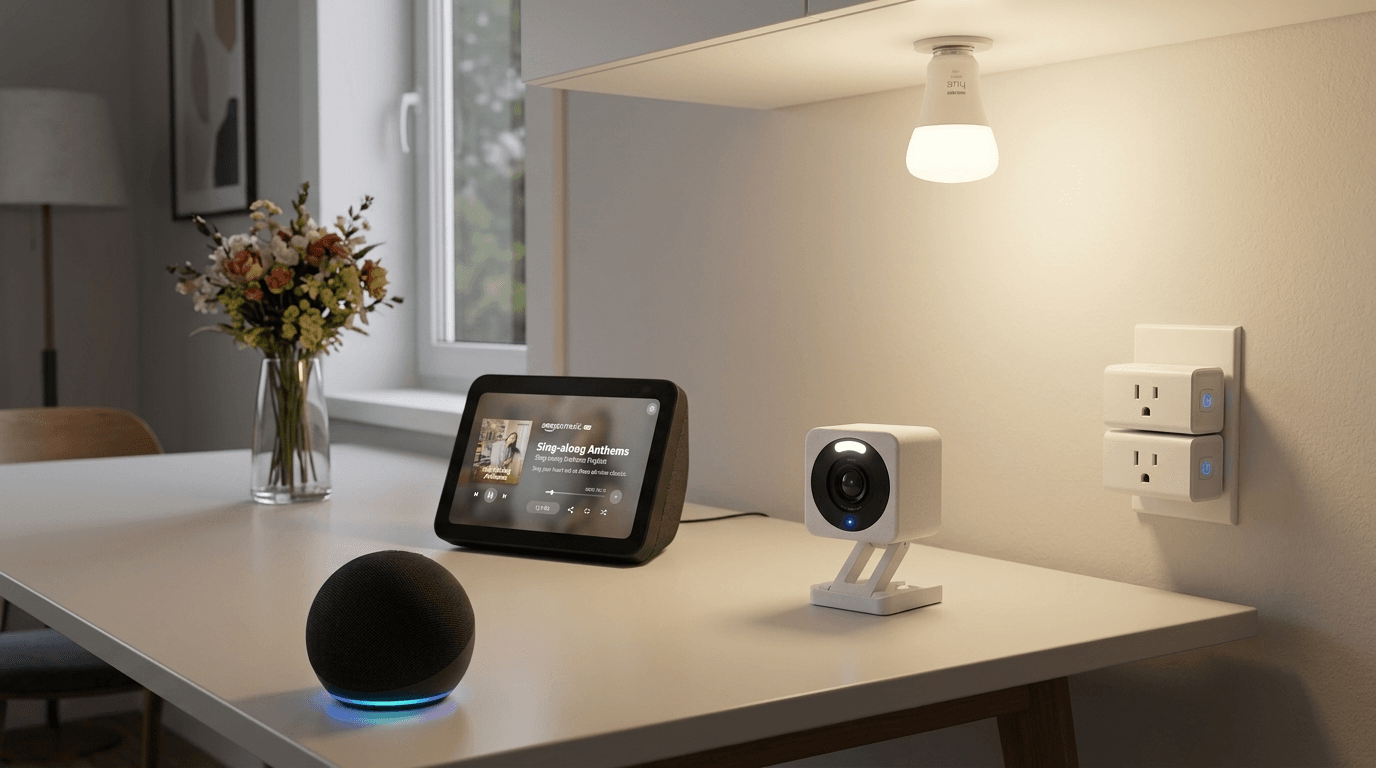
Getting started with a smart home doesn't have to be complicated or expensive. The problem most beginners face isn't a lack of options — it's having too many. Walk into any electronics store or scroll through Amazon and you'll find hundreds of gadgets all promising to make your home smarter. Most of them will just make your life more complicated. We cut through the noise and picked five smart home devices that are genuinely easy to set up, work reliably every single day, and deliver real value from day one — no tech degree required.
Whether you want to control your lights with your voice, check on your home while you're away, or simply stop getting up to turn off appliances you forgot about, these five devices cover all the bases. Every pick on this list works with Amazon Alexa, is available on Amazon with fast Prime shipping, and has been chosen based on real-world performance, ease of setup, and long-term reliability.
📌 Key Takeaways
- You don't need a smart home hub to get started — smart plugs and bulbs connect directly to Wi-Fi, though a device like the Echo Dot makes voice control of everything much easier
- The Echo Dot (5th Gen) acts as the central hub and works with over 140,000 Alexa-compatible devices
- The Kasa EP25 smart plug is the only one on this list that works across all four major ecosystems: Alexa, Google Home, Apple HomeKit, and Samsung SmartThings
- The Wyze Cam v4 offers 2.5K color night vision with no mandatory subscription — local microSD storage works completely free
- The Philips Hue Starter Kit includes the required Hue Bridge, unlocking the full Hue ecosystem of 70+ accessories
- Most beginner smart home devices set up in under 15 minutes with no wiring or tools needed
- Start with one device like the Echo Dot and expand gradually — that's how most successful smart homes are built
1. Amazon Echo Dot (5th Gen)
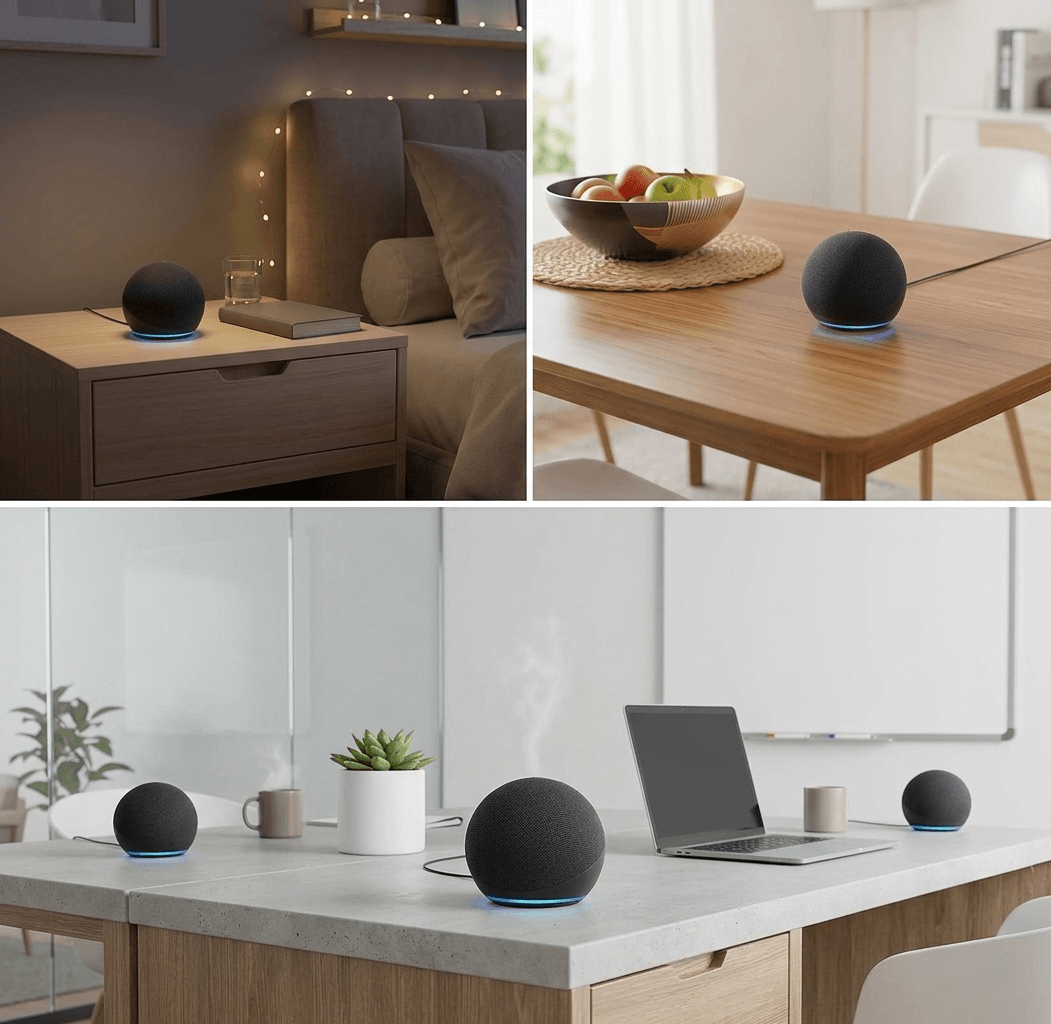
If you're building a smart home from scratch, the Amazon Echo Dot 5th Generation is the single best place to start. It's the brain of your entire smart home setup — the voice-controlled hub that ties everything else together. Ask it to turn off the lights, check the weather, play music, set a timer, or control any connected device in your home, and Alexa responds instantly. The 5th generation Echo Dot is the best-sounding Dot Amazon has ever made, with a 1.73-inch front-firing speaker that delivers noticeably clearer vocals and deeper bass than its predecessor. What makes this generation special for beginners is the addition of two genuinely useful sensors: a built-in room temperature sensor that can trigger smart home routines automatically, and a motion sensor that lets you set up automations like turning on lights when you walk into a room. It even doubles as a Wi-Fi extender for eero mesh networks. At under $50, there's no smarter first purchase for your smart home.
✅ PROS
- Best-sounding Echo Dot ever made
- Built-in temperature and motion sensors
- Works with 140,000+ Alexa-compatible devices
- Doubles as eero Wi-Fi mesh extender
- Fast AZ2 Neural Edge Processor for instant responses
❌ CONS
- No visual display (get Echo Show 5 for that)
- Alexa+ requires Prime membership for full features
2. Kasa Smart Plug EP25 (by TP-Link)
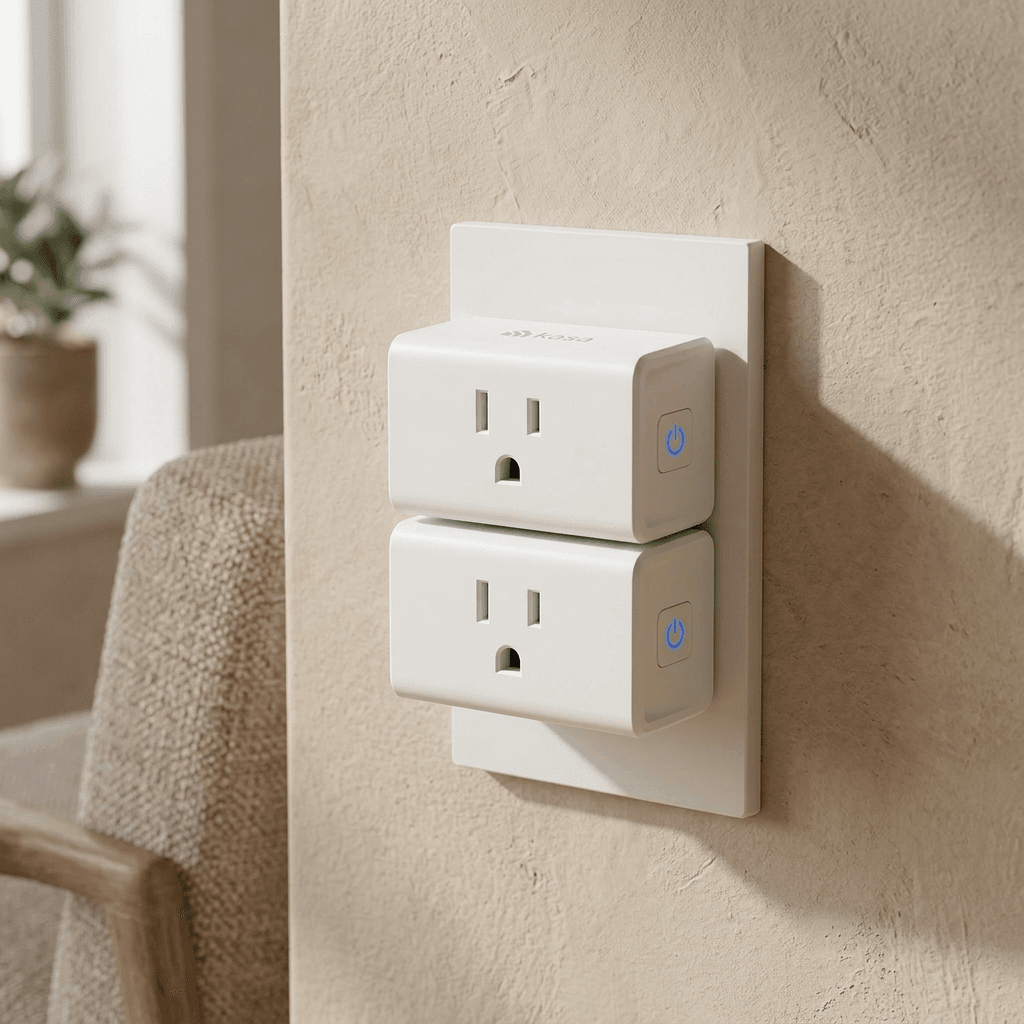
The single cheapest and easiest upgrade you can make to any home is a smart plug — and the Kasa EP25 by TP-Link is the best one you can buy. It turns any ordinary lamp, coffee maker, fan, or appliance into a smart device you can control from your phone or with your voice. No wiring, no installation, no tools — just plug it in and connect to your Wi-Fi in under two minutes. What sets the EP25 apart from cheaper alternatives is that it works with all four major smart home platforms: Amazon Alexa, Google Home, Apple HomeKit, and Samsung SmartThings. Most budget plugs only work with one or two. The Kasa app is one of the cleanest and most reliable in the smart home space, with intuitive scheduling, vacation mode, timers, and smart actions built in. It also supports Apple HomeKit — a feature most smart plugs at this price completely skip. In our testing across smart home reviewers, the EP25 never had a connectivity hiccup, even when placed far from the router. At around $13 per plug, it's the highest-value smart home upgrade available.
✅ PROS
- Works with Alexa, Google Home, Apple HomeKit, and SmartThings
- Zero connectivity issues in real-world testing
- Clean and intuitive Kasa app with scheduling and vacation mode
- One of the most affordable smart plugs available
- No hub required — connects directly to Wi-Fi
❌ CONS
- Does not support energy monitoring (upgrade to Kasa EP40 for that)
- Only works on 2.4GHz Wi-Fi networks
3. Wyze Cam v4
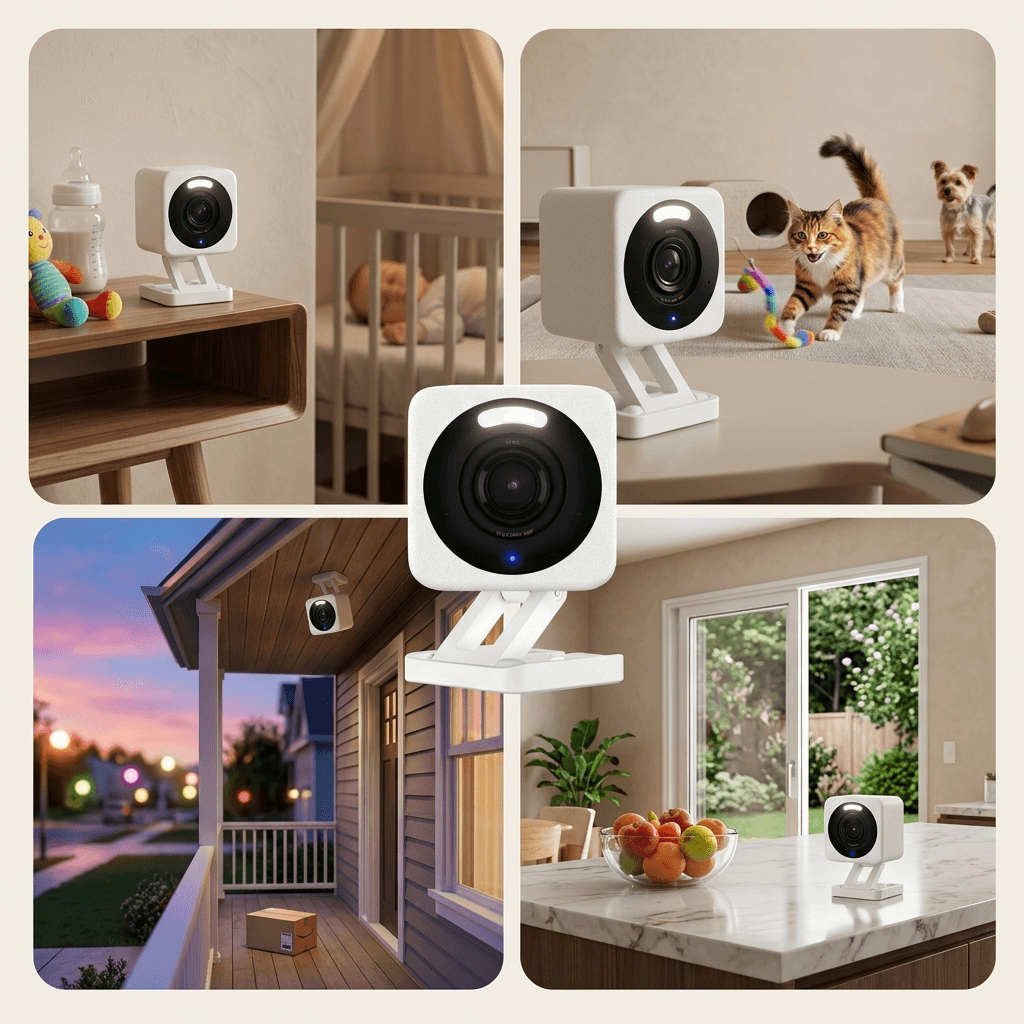
Home security used to cost hundreds of dollars per camera plus a monthly monitoring fee. The Wyze Cam v4 changed that entirely. For under $40, you get a security camera that delivers 2.5K QHD resolution, full color night vision, two-way audio, motion detection alerts, and a built-in spotlight — features that cameras costing three times as much still don't always include. The v4 is Wyze's most significant camera upgrade in years. The jump from 1080p to 2.5K resolution is genuinely noticeable: license plates, faces, and fine details are sharp and readable in ways the previous generation simply couldn't match. The color night vision — powered by a built-in spotlight that activates on motion — is particularly impressive, turning what used to be grainy black-and-white footage into full-color video that actually shows you what's happening. The camera works both indoors and outdoors (IP65 weather resistance), installs in minutes with a magnetic base, and connects to Alexa for voice control. Local storage via microSD card means no mandatory subscription, though Wyze's optional Cam Plus plan adds person, vehicle, and package detection for a few dollars per month.
✅ PROS
- 2.5K QHD resolution — sharp and clear footage
- Full color night vision with built-in spotlight
- IP65 weather resistant — works indoors and outdoors
- No mandatory subscription — local microSD storage
- Works with Amazon Alexa and Google Assistant
❌ CONS
- Free plan has limited cloud storage (12-second clips only)
- Cam Plus subscription needed for full AI detection features
4. Philips Hue Smart 75W A19 LED Bulb
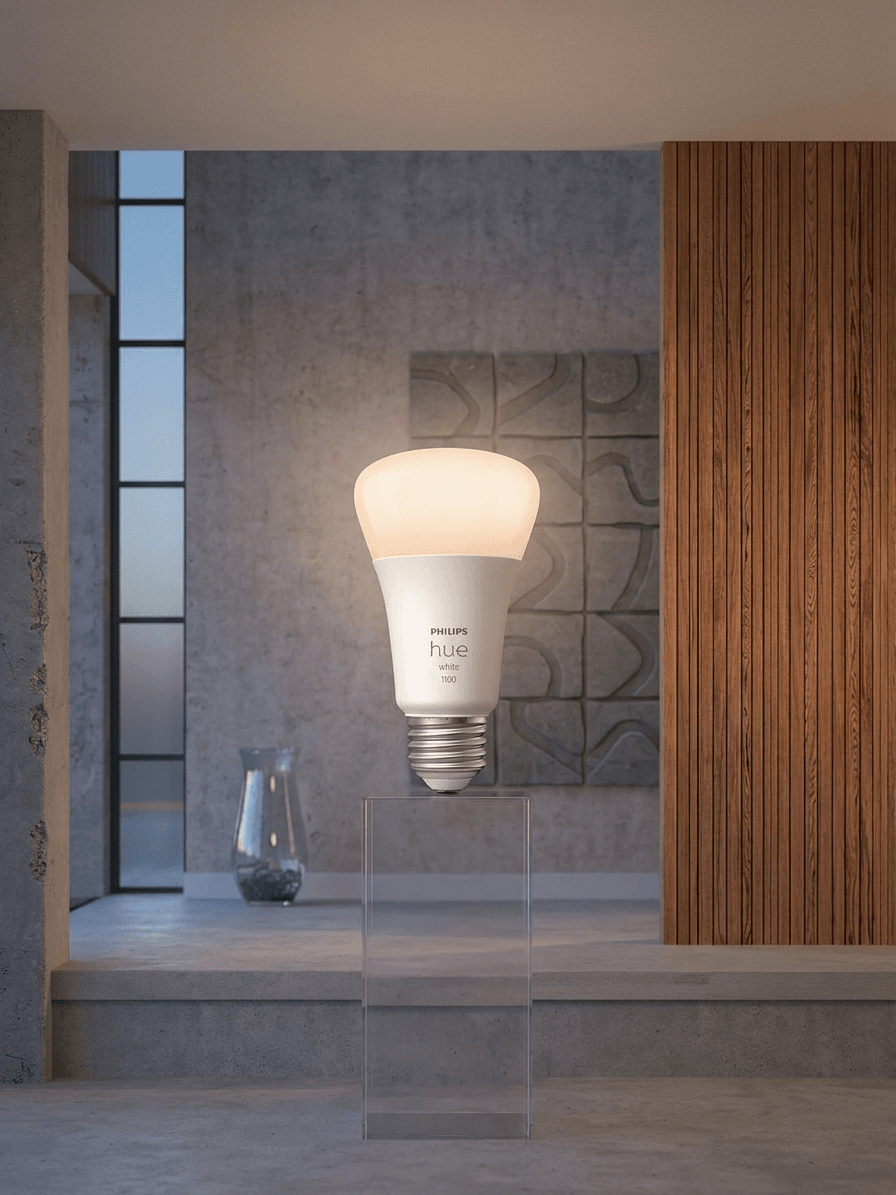
Smart lighting is one of the most satisfying smart home upgrades you can make — and Philips Hue has been the gold standard for years. The White and Color Ambiance Starter Kit includes two A19 smart bulbs and the Hue Bridge hub, giving you everything you need to get started with the most reliable and feature-rich smart lighting system available. These aren't just bulbs that turn on and off with your voice. Each bulb can display over 16 million colors, dim from bright daylight to warm candlelight, and sync with Alexa routines to match your schedule and mood. Set a "movie time" scene that dims your lights to 20% and shifts them warm amber with a single voice command. Create a "wake up" routine that gradually brightens your bedroom 15 minutes before your alarm — a genuinely life-changing addition to any morning. The Hue Bridge unlocks the full ecosystem of Hue products: light strips, outdoor lights, motion sensors, and over 70 compatible accessories. The app is one of the most polished in the smart home space, with rich scene controls, room groupings, and automation tools that beginners can use without any technical knowledge.
✅ PROS
- 16 million color options with smooth, accurate color reproduction
- Works with Alexa, Google Home, and Apple HomeKit
- Hue Bridge unlocks massive product ecosystem
- Incredibly polished and beginner-friendly app
- Rock-solid reliability — the gold standard for smart lighting
❌ CONS
- Hue Bridge required for full features (included in starter kit)
- Higher upfront cost than basic smart bulbs
5. Amazon Echo Show 5 (3rd Gen)
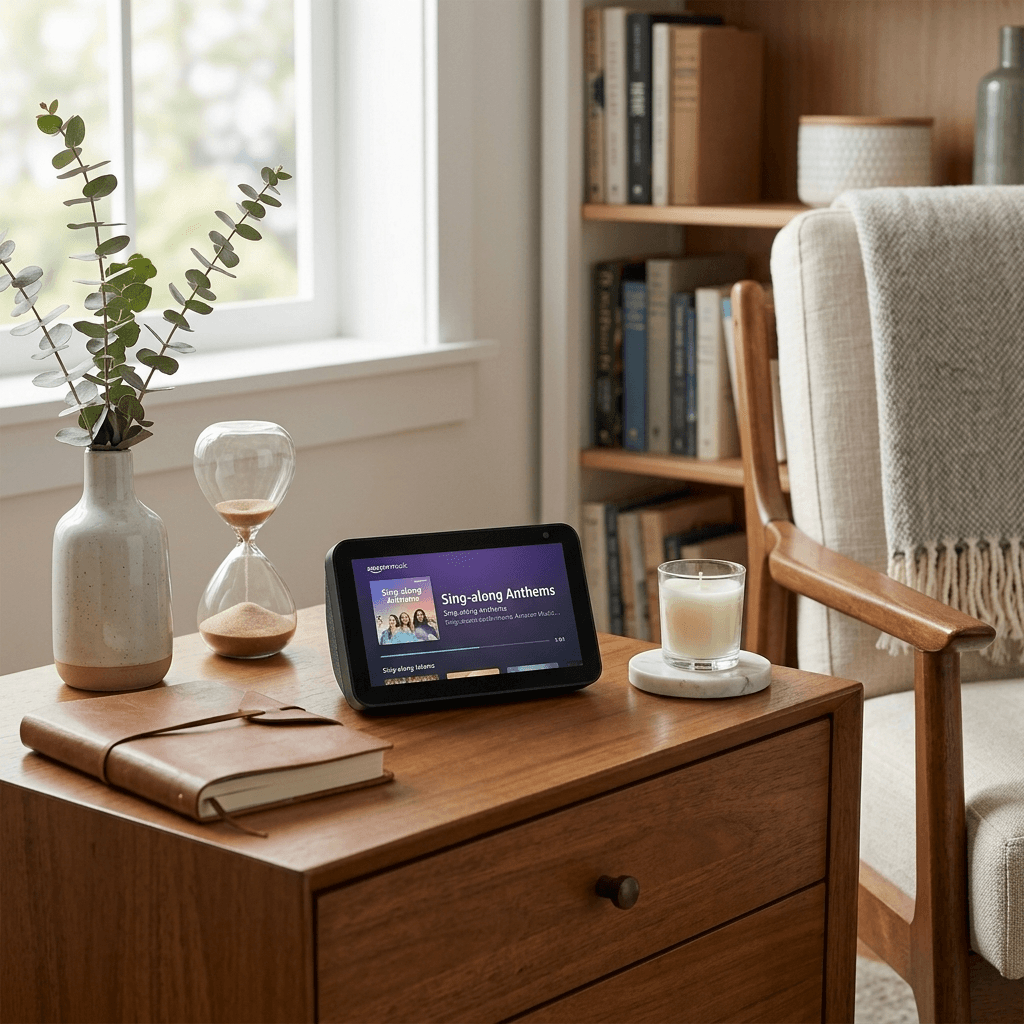
The Amazon Echo Show 5 takes everything that makes the Echo Dot great and adds a 5.5-inch touchscreen display — and the difference is bigger than you'd expect. This is the smart home device that genuinely replaces your bedside alarm clock, your kitchen timer, your video calling device, and your smart home control panel all in one compact package. The 3rd generation model brings meaningful upgrades over its predecessor: a 2MP front camera (double the previous resolution) for sharper video calls, improved sound with deeper bass, and the latest version of Alexa with smarter conversational responses. The 5.5-inch display shows you the time, weather, your calendar, your security camera feeds, and visual responses to Alexa questions — all things the Echo Dot can tell you, but the Show 5 actually lets you see. It's particularly valuable as a smart home controller: you can swipe through your devices, view camera feeds live on the screen, and manage your Alexa routines with a tap. For anyone who wants more than just a voice assistant, the Echo Show 5 is the natural next step — and at under $90, it's priced like a budget device while performing well above its class.
✅ PROS
- 5.5-inch touchscreen adds visual smart home control
- 2MP front camera for sharp video calls
- See live camera feeds directly on the display
- Doubles as a premium bedside alarm clock
- Better sound than Echo Dot with deeper bass
❌ CONS
- 5.5-inch screen is small for media streaming (step up to Echo Show 8 for that)
- Camera privacy cover not included (available separately)
⭐ Our Recommendation
If you're starting from zero, we recommend building your smart home in this exact order: start with the Amazon Echo Dot 5th Gen as your voice control hub, add a two-pack of Kasa EP25 smart plugs to make your existing lamps and appliances controllable, then pick up the Wyze Cam v4 for home security. From there, the Philips Hue Starter Kit transforms your lighting into something genuinely impressive, and the Amazon Echo Show 5 gives you a visual command center for your entire setup.
All five devices work together seamlessly through the Amazon Alexa app, making your entire home controllable from one place. You don't need all five at once — start with the Echo Dot and one or two smart plugs, and build from there as your comfort grows. That's exactly how the best smart homes are built: one device at a time.
Frequently Asked Questions
Q1: Do I need a smart home hub to get started?
No — many beginner devices like smart plugs and bulbs connect directly to your Wi-Fi network without any separate hub. However, having a voice-controlled hub like the Amazon Echo Dot makes managing multiple devices far easier, since it lets you control everything — lights, plugs, cameras — through one voice command instead of juggling separate apps.
Q2: How much does it cost to build a beginner smart home?
You can start a smart home for as little as $20–$50 with a single device like a smart plug or the Echo Dot. Building out a full beginner setup — voice hub, smart plug, security camera, smart lighting, and a display — typically costs between $200–$300 total when you choose budget-friendly options like the ones in this guide.
Q3: Does the Wyze Cam v4 require a monthly subscription?
No. The Wyze Cam v4 works fully without a subscription — motion alerts, live streaming, and local recording via microSD card are all free. The optional Cam Plus subscription (a few dollars per month) only adds extras like AI-based person, vehicle, and package detection plus longer cloud clip storage.
Q4: Do I need the Hue Bridge to use Philips Hue smart bulbs?
For the Starter Kit, yes — it's included and required to unlock Hue's full feature set, including custom scenes, automation schedules, and out-of-home control. Some standalone Hue bulbs support Bluetooth-only control without a Bridge, but you lose scheduling, voice routine automation, and remote access outside your home.
Q5: Does the Kasa Smart Plug work with Apple HomeKit?
Yes. The Kasa EP25 is one of the few budget smart plugs that works with all four major platforms — Amazon Alexa, Google Home, Apple HomeKit, and Samsung SmartThings. Most competing smart plugs at this price only support one or two ecosystems.
Q6: What's the difference between the Echo Dot and Echo Show 5?
The Echo Dot is a voice-only smart speaker, while the Echo Show 5 adds a 5.5-inch touchscreen that displays the time, weather, camera feeds, and visual responses to your questions. The Show 5 also has a front camera for video calls. Both run Alexa and control the same smart home devices — the Show simply adds a screen for visual control.
Q7: Will my smart home devices stop working if my Wi-Fi goes down?
Most smart home devices rely on an internet connection for voice control, remote access, and automations, so these features pause during an outage. However, things like the Wyze Cam's local microSD recording continue working offline, and once your Wi-Fi reconnects, normal function resumes automatically.
Q8: What's the best smart home device to buy first?
For most beginners, the Amazon Echo Dot (5th Gen) is the best first purchase — it acts as your voice control hub for everything you add later. From there, a smart plug like the Kasa EP25 is the cheapest, easiest second device since it requires no installation and instantly makes any lamp or appliance smart.